History and My Page
Reopen past results, and hide the ones you don't want to see
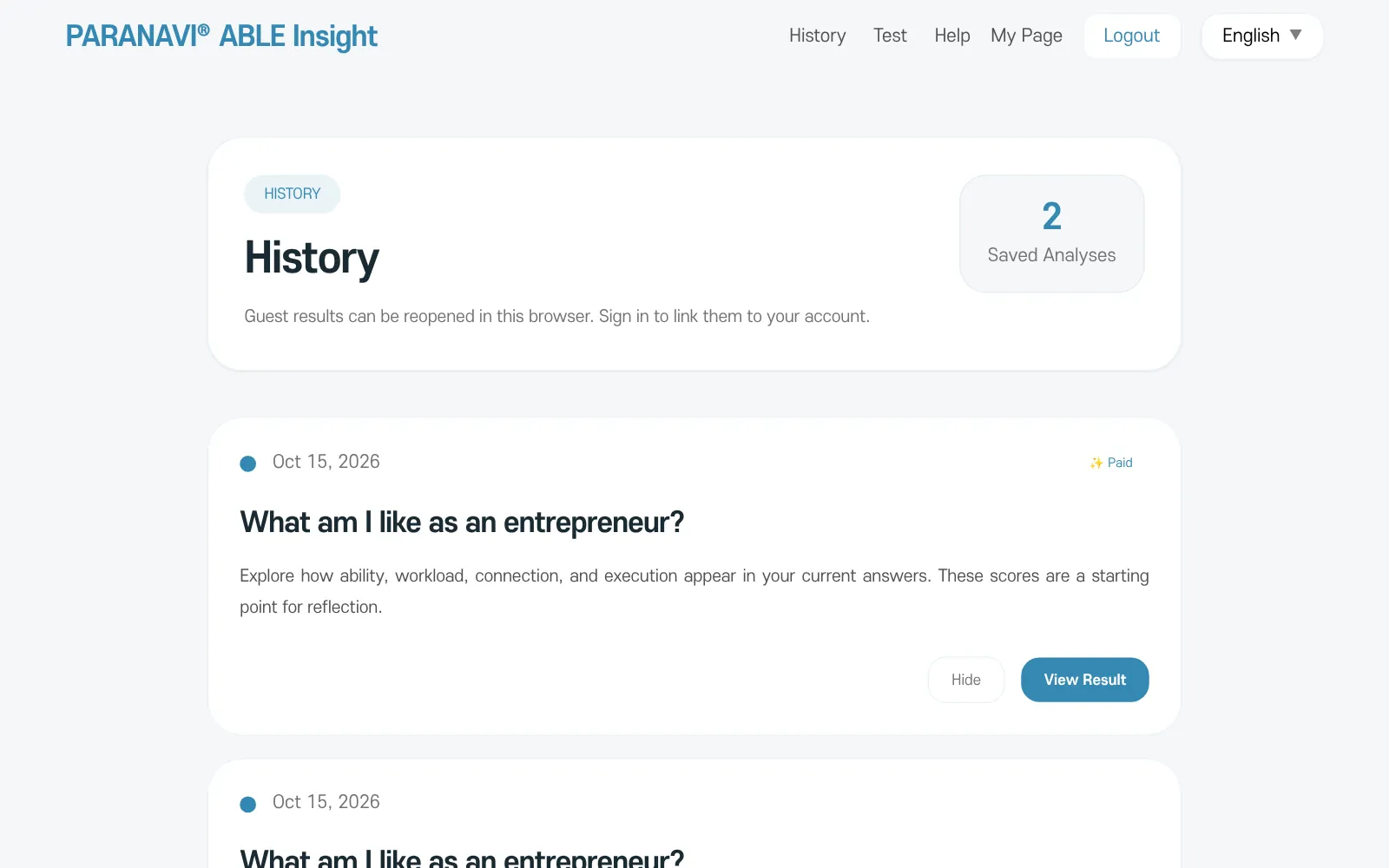
- History: press History in the top menu to see past results, newest first. Press View Result to open one.
- Paid: shown on results you have paid for, such as the 39-item report. The deep-dive reading of the 12-item result is free, so it opens without this label.
- My Page: when signed in, My Page shows your Recent Results. Paid results are marked separately.
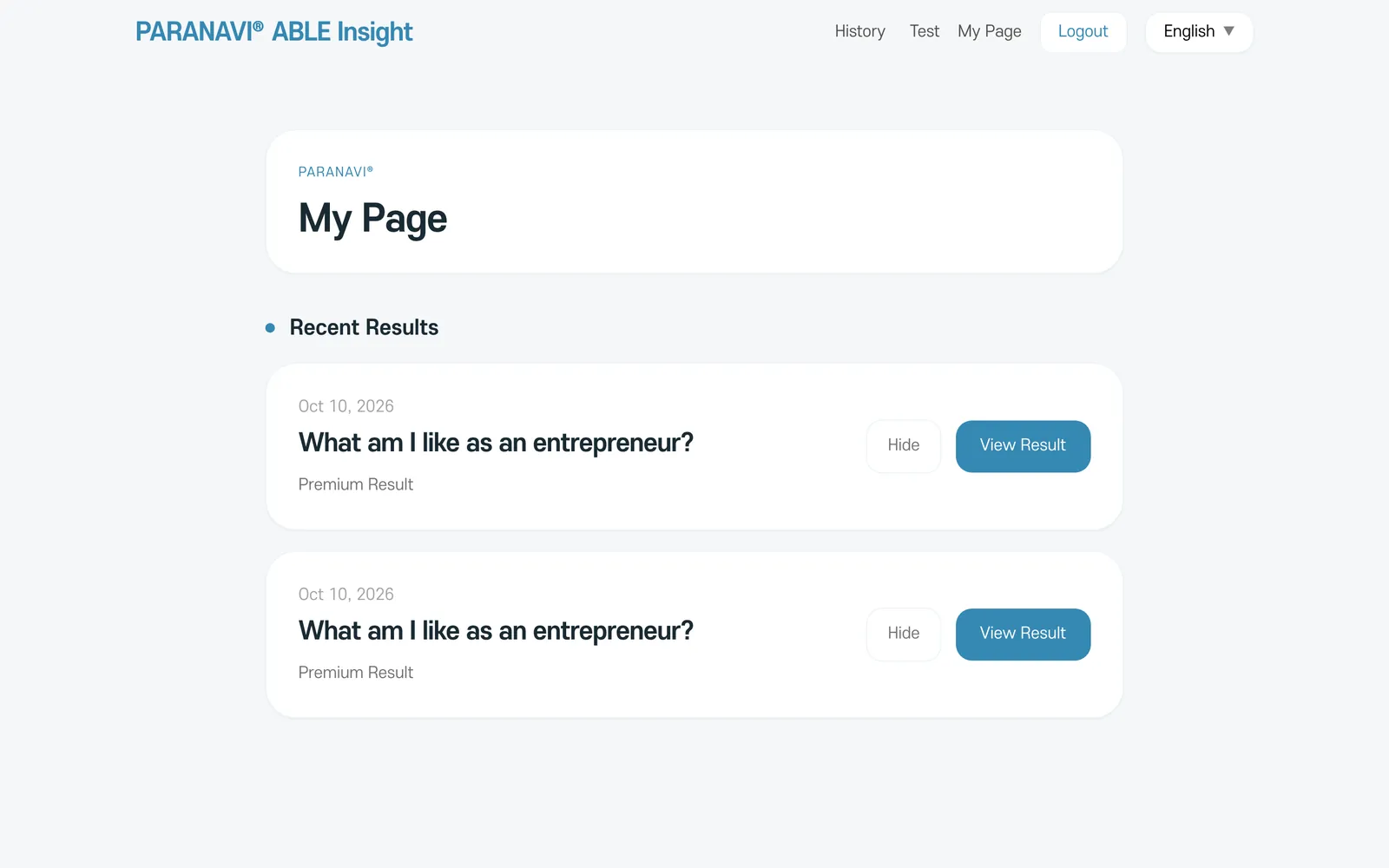
Hide
Hide removes a result from your history list. It does not delete the result itself. To delete a result, email hello@thefieldplayer.kr.