Taking the 12-item check
Answer on a 7-point scale, and pick your current startup stage if you like
Answer each item based on how you feel right now. There are no right answers or fixed types, and there is no time limit.
To go down to each situation, press Switch to the full 39-item assessment below the answer count and take all 39 items.
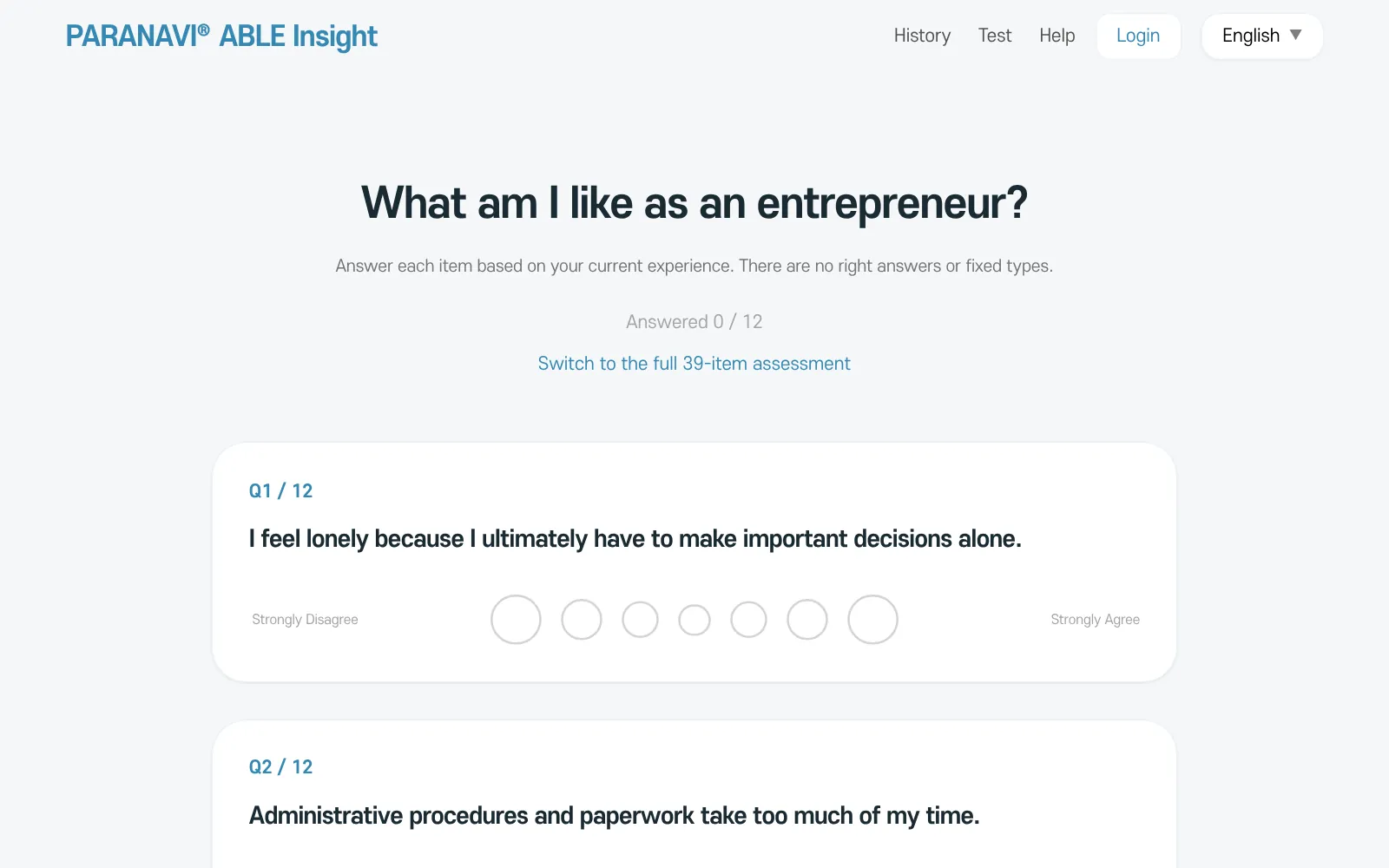
- 1
Answer the 12 items
For each item, choose one of Strongly disagree, Disagree, Somewhat disagree, Neutral, Somewhat agree, Agree, or Strongly agree. The top of the screen shows Answered n / 12. The order of the items changes each time you take the check.
- 2
Pick your stage (optional)
You can choose which stage you are at and who you are starting the business with. Your result works without it. The stage is only used for the notes and is not scored.
- 3
See your result
Press View Result to go to your result screen.
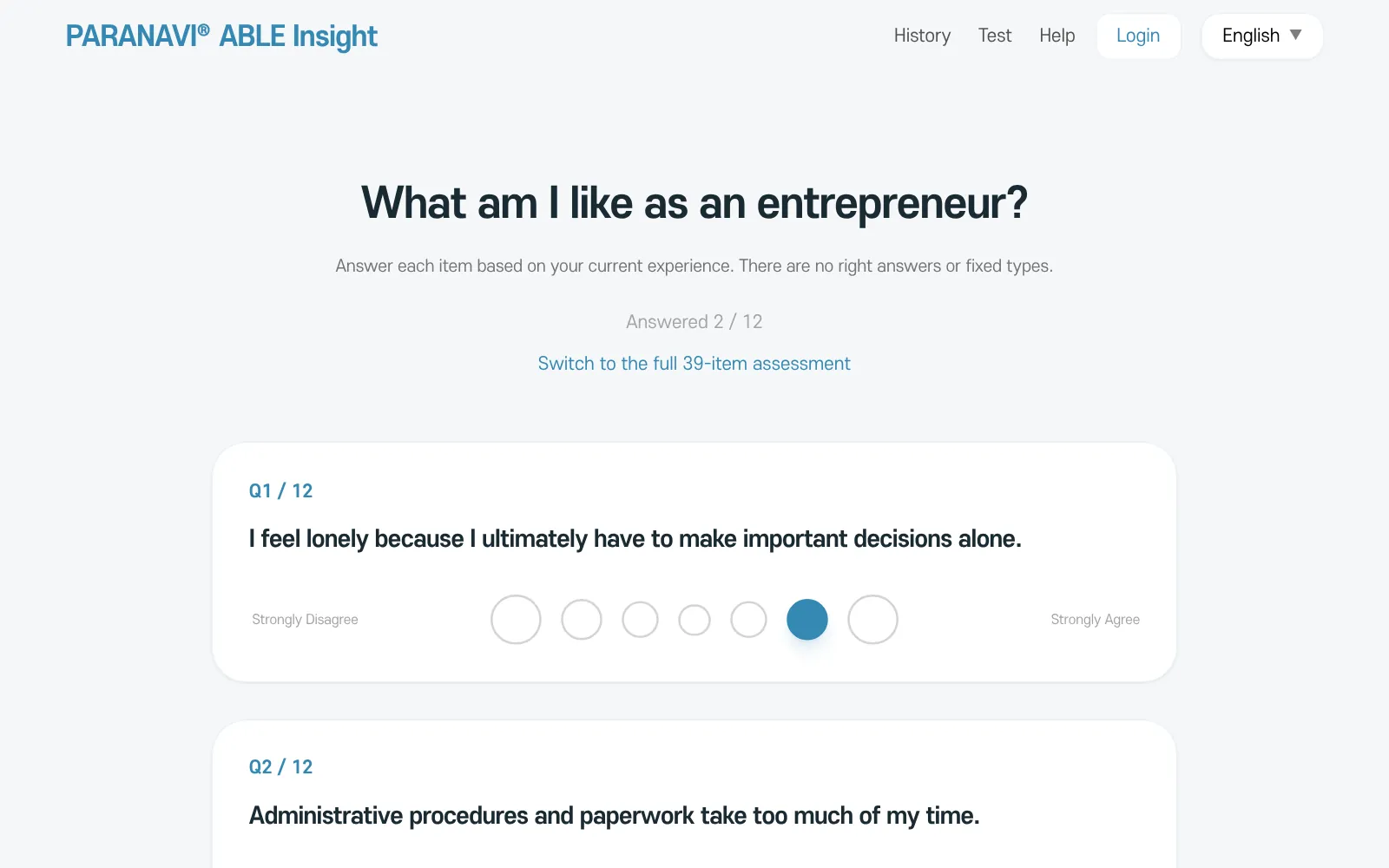
When you will see a notice
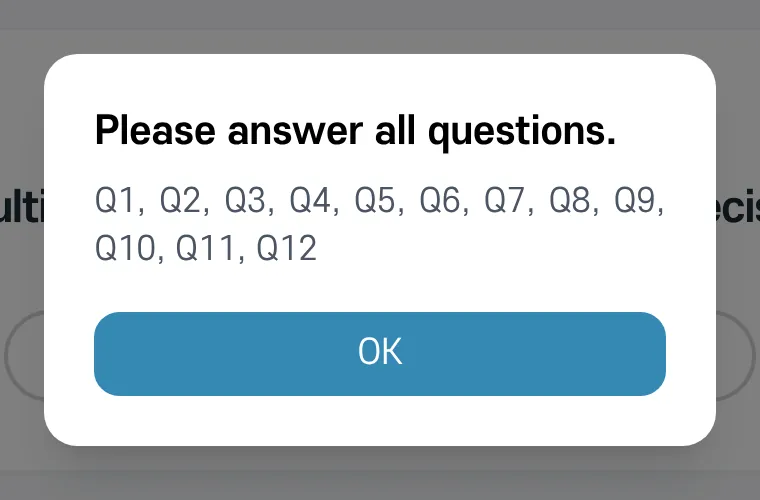
- If you skipped an item, the notice shows its number and takes you to it.
- If many of your answers are the same, you will be asked to check that they reflect your experience. You can submit as they are.
- If saving fails, your answers are still there, so press View Result once more.